

TL;DR
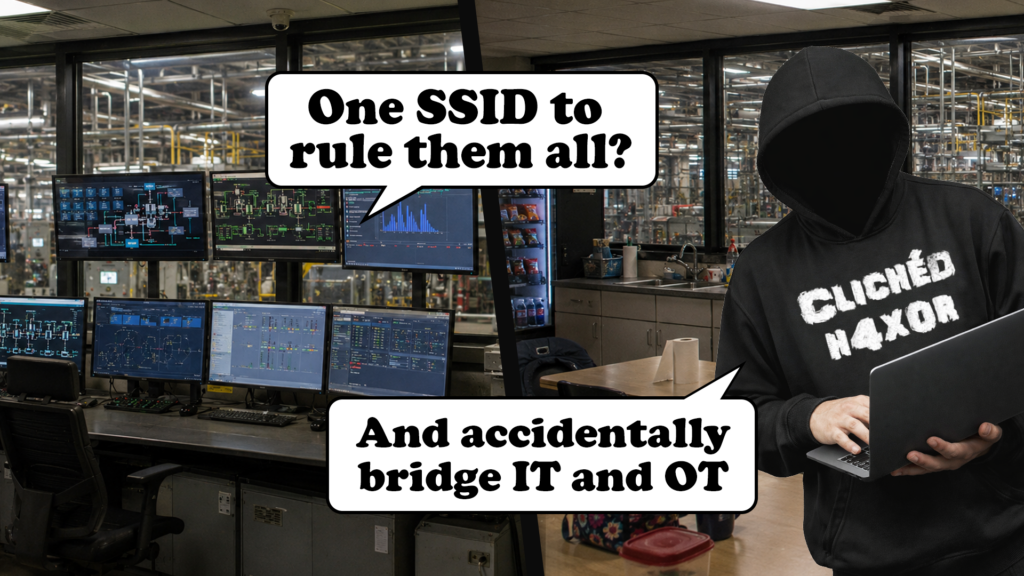
- A corporate WAP was used to let corporate machines access outbound internet from an OT control room network.
- Devices would therefore hop between IT and OT networks.
- This unearthed some other IT-OT segregation issues.
- The technical fix was easy enough, but when you fix segmentation issues, find the root causes, or they’ll come back in another form!
How we ended up here
My colleague Adam Bromiley and I recently tripped over one of those ‘What!?’ findings. We could completely break an IT-OT segmentation without having to do … anything.
We were on an OT-focused engagement, working out of a control room.
We use a risk-averse methodology for these engagements, so we began with passive monitoring and low-risk probing, but the results were a bit weird, there were laptops and mobile devices of various manufacturers on the control room LAN, where we were only expecting OT devices, HMIs and servers.
What we found
We had already noticed that the corporate Wi‑Fi was accessible in the control room. We were told this was for corporate laptops and personal devices for e.g. breaks and lunches. This is fairly normal and out of scope for us, but we noticed that some of the client MAC addresses connected to that Wi-Fi network matched the ones we were finding on the control room LAN.
Turns out the engineers sent the IT provider a request for corporate and internet access from the control room.
Now put yourself in the IT provider’s shoes – the control room had existing routes out for SaaS stuff, so we can just use that right?
It worked. However, WAPs are kind of dumb – they have no concept of SSID-network mapping. So when someone from the offices wandered over to the control room to see how the assessment was going (with phone in pocket, laptop under arm), their devices did exactly what they’re designed to do. They roamed.
Why do we care?
OT devices are typically softer targets, but they aren’t exposed to usual IT threats. By comparison, IT assets are generally more hardened but do lots of risky things (like email) and they typically have lots more software running and installed.
In this engagement, once corporate devices landed on the control LAN, they could ‘bring in’ threats from attacks against business functions, like phishing emails, or malware that targets corporate systems. In this particular network, even commodity malware probing the network could be enough to crash the devices, that’s before we consider whether OT protocols use authentication…
Equally, OT networks can contain commodity malware but continue operating happily (yes, this actually happens don’t ask me how I know). This means threats lying dormant in OT could be ‘taken out’ to IT.
And that’s ignoring the presence of personal devices…
The fix wasn’t as simple as we thought
The simple solution here seemed to be to use one SSID per network. That’s our assessment report done right?
No. The business was crossing the business and OT streams and there must be a reason, so let’s find it! The control room saw internet as a requirement to view logistics dashboards (basically to see the orders that needed to be fulfilled). We needed to ask ourselves, ‘Is that really the requirement?’.
We asked a few questions and it turns out the real requirement was:
- Sometimes an operator needs to check upcoming orders, or monitor the CCTV during process operation.
- Sometimes the operators needed to check their work emails too. We hadn’t spotted this yet, but they did this on control room PCs too via the business’ cloud email system.
Whilst it’s often the case that some OT devices (like PLC management platforms) have a legitimate cloud connectivity requirement, or some outstations need to do cloud telemetry, we didn’t have a requirement like that. None of what we heard required OT machines to talk to the internet, we could use a second device for that.
There were lots of recommendations we could have raised if we didn’t probe that far:
- Ban mobile/personal devices on the control room LAN – what about legit corporate access and breaks?
- Change the SSID for the Wi-Fi AP – this leaves a smaller set of corporate devices on the control network still.
- Turn off the internet to the control room outright – but we need it to operate and check email.
What we really needed was to step back and recognise that we could instead provide more secure ways for operators and control room support staff to:
- Access their corporate and cloud logistics systems.
- Access the internet for personal use (yes, in line with company policy, etc.)
- Not have to use OT assets to do that
Takeaways and fixes
Segmentation does not always fail dramatically. Sometimes it dissolves while everyone is being helpful.
These issues can be hard to find, especially when assessments are scoped too narrowly, carried out remotely, or approached without enough context from both IT and OT. A blended approach helps uncover not just the technical issue, but the operational need behind it.
In this case, if the needs of the staff were not dealt with properly, another workaround and the same risks are likely to return in a different form.
If you’re responsible for OT environments:
- First off – Never reuse SSIDs across security boundaries! Treat Wi‑Fi as a layer‑2 extension cable, one SSID per network.
- Don’t assume that if you come in and fix network segmentation issues that they’ll stay fixed.
- Take some time to talk to your operators and find out what requirements are poking these holes.
- Be bold enough to allow your staff ways to do what they need in a legitimate and secure way.
- This may include allowing things that businesses may not have historically enabled, such as providing internet for employee devices.
We would rather see a legitimate, separate route for employee internet access than an unofficial workaround plugged into the wrong network.
Security controls are more likely to stick when they solve the operational need as well as the technical risk. If people have a safe way to do what they need, they are less likely to invent one.